Rigging Workshops & Tutorials

Make sure you download the source files so you can follow along.

 
Rigging In Maya: Biped
Quick View
Rigging In Maya: Biped
£24.99

Welcome to my Rigging in Maya series.

Here you will find the assets which will allow you to follow my YouTube series, (Videos 1 to 17) and build your own rigs, in both Maya 2019 and 2017 formats.

The plan with this series is to take things back to basics as I go through each element separately, so you get a clearer understanding of the whole rigging process. Once the fundamentals have been covered, I will then move on to more advanced systems so by the end you will have all the tools you need to build your own complex rigs.

Now includes all the scripts used in the videos!

  • Blendshape Rigging Tool

  • IK <> FK Matching Tool

  • Mirror Rig Tool

  • Quick Limb Tool

  • Joint Arc Tool

Find all the videos below

Rigging In Maya Series

The videos cover -

  • Joint Fundamentals

  • Connections & Constraints

  • Control Creation

  • Set Driven Keys & Utility Nodes

  • IK & FK Limb Creation

  • Hand Rigging

  • Reverse Foot Rig

  • Spine, Head & Eye Rigging

  • Painting Skin Weights

  • Roll & Twist Joints

  • Squash & Stretch

  • Joint Based Facial Rig

  • Blendshape Based Facial Rig

  • Space Swapping

  • Global Controls - Character Scale etc.

ADDED BONUS: Now also includes the 4k textures PLUS the Rigging in Maya Script Pack!

As these assets are intended for educational purposes only, the texture resolution has been reduced and a watermark added.

You must read and agree to the terms and conditions before downloading the Rigging In Maya assets & scripts.

Rigging In Maya: Quadruped
Quick View
Rigging In Maya: Quadruped
£24.99

Welcome to my Rigging in Maya series.

Here you will find the assets which will allow you to follow my YouTube series, (Videos 18 Onwards) and build your own rigs, in both Maya 2020 and 2017 formats, (where possible).

With this section of the course you will be looking at more advanced areas of rigging as we build an advanced quadruped rig, complete with a full facial rig, making it ready to go into a production environment.

Now includes all the scripts used in the videos!

  • Ribbon Tool

  • Quick Limb Tool

  • Dynamic Joint Chain Tool

ADDED BONUS: Now also includes the 4k textures PLUS the Rigging in Maya Script Pack!

Find all the videos below

Rigging In Maya Series

BONUS

How Do I Build a Quadruped Rig?

The videos cover -

  • Ribbons

  • Model & Rig Preparation

  • Driver Skeleton

  • Automatic Limb Rigging using Python - Joint Chains

  • Automatic Limb Rigging using Python - IK & FK Systems

  • Automatic Limb Rigging using Python - Squash & Stretch

  • Automatic Limb Rigging using Python - Roll & Twist Joints

  • Automatic Limb Rigging using Python - Volume Preservation

  • Limb Ribbons

  • Limb Ribbon Deformers

  • Spline & Ribbon Based Spine

  • Spine, Neck & Head

  • Dynamic Tail & Ears

  • Paw Joystick Controls - Roll & Bank

  • Additional Paw Controls

  • Ribbon Based Facial Rig

  • IK, FK, & Spline Tongue Rig

  • Skinning with ngSkinTools

  • Global Control Support

  • Finalize Your Rig

You must read and agree to the terms and conditions before downloading the Rigging In Maya assets & scripts.
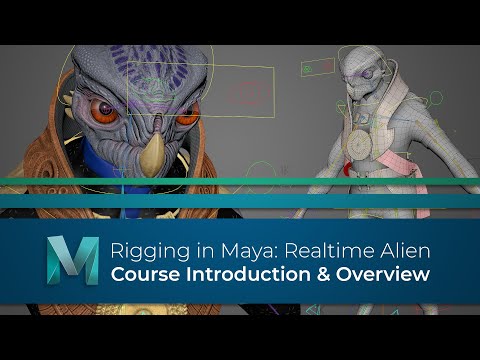
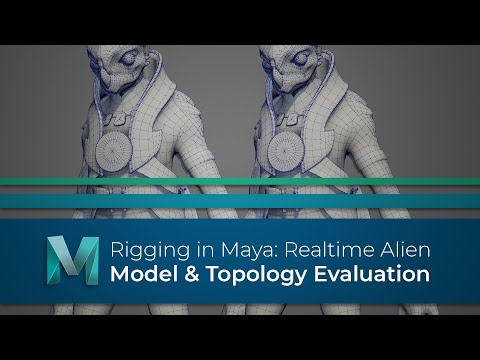
 
  • Course Introduction

    Course Introduction

    Over the duration of this course, I will walk you through the process of creating a realtime rig, which can be animated and exported to a game engine, like unreal.

    We will take a prebuilt model, and explore the fundamentals of model preparation, joints and skeleton building before we move on to skinning and painting weights. After that we will focus on creating the controls and systems which will allow the animator to breathe life into him.

    What is more, where possible, we will also be building this rig using Mayas new offset parent matrix attributes and matrix nodes to make it more robust and efficient.

  • Model Evaluation

    Model Evaluation

    Before you start any rigging work it’s important that you examine the model thoroughly to make sure the topology will deform correctly, so in this video we will examine our creature model and discuss what areas need to be updated.

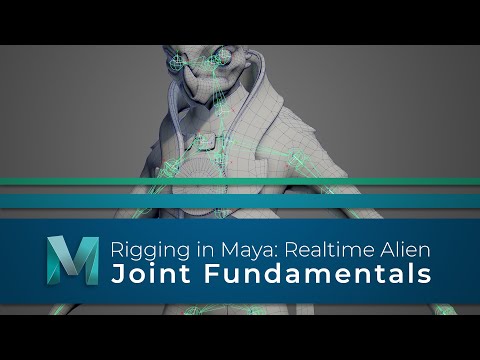
  • Joint Fundamentals

    Joint Fundamentals

    It’s important to get a good understanding of how joints work in Maya and realise that there is a lot more to them than nodes which push the vertices around. So, before we start to build the skeleton which will drive our model, lets look at the fundamentals of Maya’s joints.

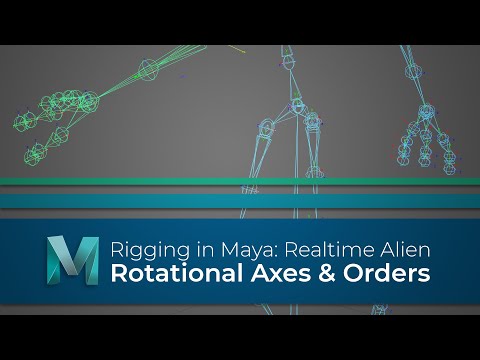
  • Rotational Axes & Orientations

    Rotational Axes & Orientations

    You now have one half of the skeleton built and positioned, but we aren’t ready to skin the models just yet. In this video we are going to make sure the rotational axes and rotate #orders are all setup and once they are, we can then safely move on and look at making this skeleton drive the creature model.

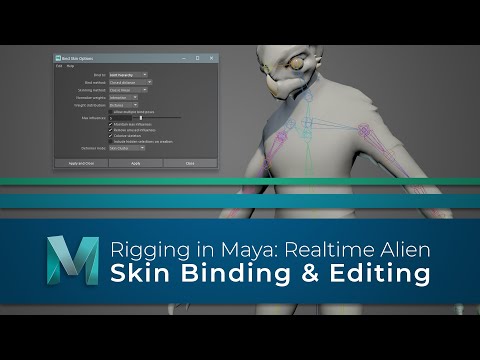
  • Skin Binding & Editing

    Skin Binding & Editing

    You now have the skeleton ready so let’s look at making it drive the model. In this video we will explore Maya’s skin binding options, as well as looking at how you can edit the weights once the model is skinned.

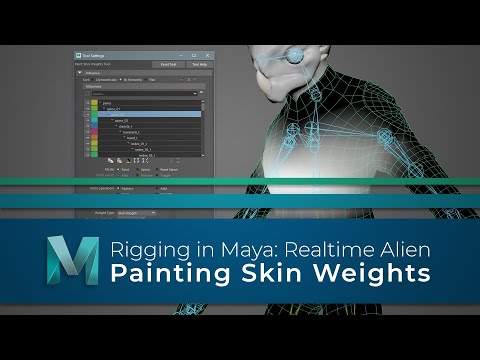
  • Painting Skin Weights

    Painting Skin Weights

    We have the skeleton, and the model is now skinned, so next let’s take a look at updating the skin weights, so it deforms in a much more natural way.

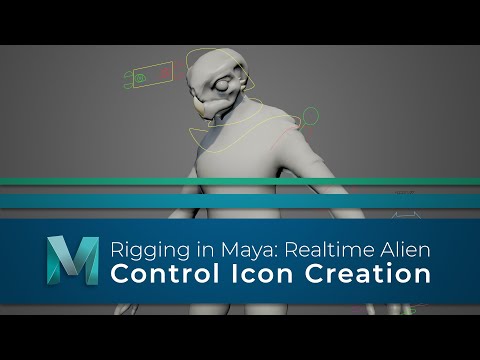
  • Control Creation

    Control Creation

    The model now deforms with the skeleton, which will allow us to visualize how the controls are affecting the joints as we build the control rig.

    Ideally, we don’t want the animator to be able to touch this skeleton though, instead we need a layer of controls on top of this which will drive the joints.

    So, in this video we will explore the many options Maya has to create controls.

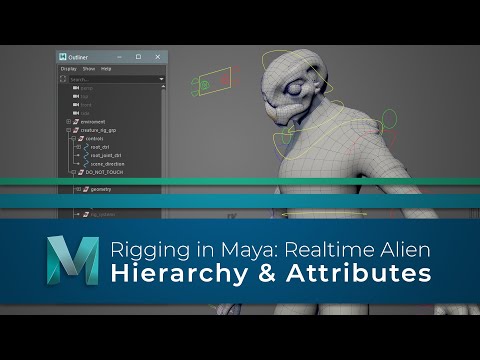
  • Hierarchy & Attributes

    Hierarchy & Attributes

    We have the controls now so we are a step closer to being able to build the systems which will drive the joints.

    Before we do that, we are going to make sure the scene is organised correctly and that the controls have the custom attributes we need.

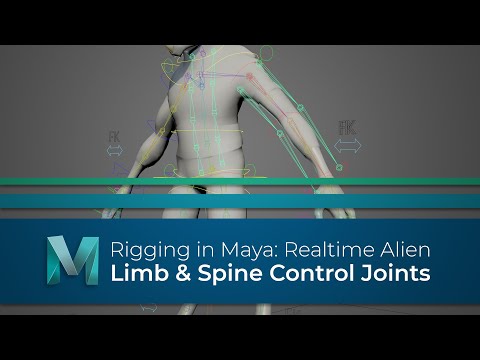
  • Control Joints

    Control Joints

    It’s about time we started to tackle some of the systems which the controls will drive.

    As this is a game rig, we want the base skeleton to be left as clean as possible so what we are going to do next is create a series of control joints. These will give us a cleaner rig, especially when it comes to exporting.

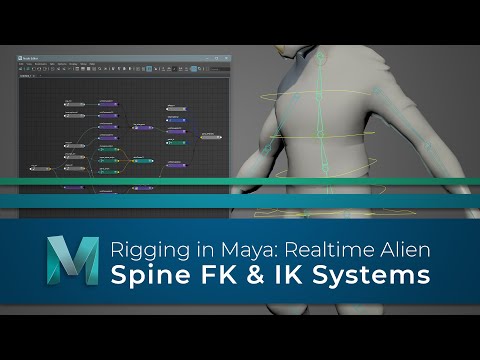
  • Spine FK & IK Systems

    Spine FK & IK Systems

    We have the controls, and the control joints are in place, so let’s build the main spine rig.

    For this character we are going to give the animator both IK and an FK controls, but with the IK spine we are going to use spline IK.

  • Neck, Head & Eyes

    Neck, Head & Eyes

    With the spine rigged it makes sense for us to continue working our way up and rig the neck, head and #eyes.

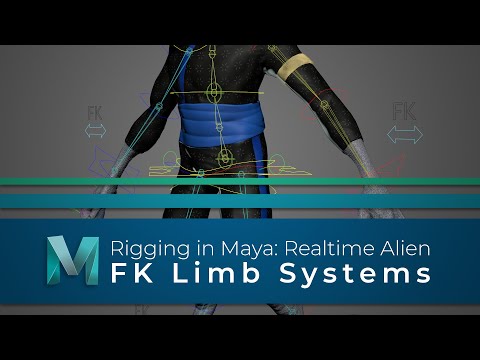
  • FK Limbs

    FK Limbs

    Now the spine head and neck are rigged let’s turn our attention to the limbs and first we are going to wire up the FK #controls.

  • IK Limbs

    IK Limbs

    The FK limbs are now working so the animator can pose and animate the creature using forward kinematics.

    What we are going to do next is also give them the option to work in IK, or inverse kinematics.

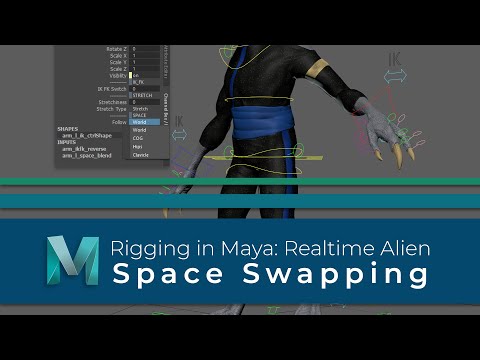
  • Space Swapping

    Space Swapping

    The arms, legs and torso are now rigged but before we move on we are going to look into some space swapping options. We will use Maya’s matrix nodes to add the option to swap between two parents, and also multiple parents.

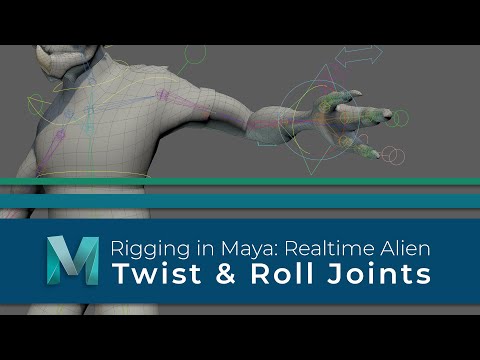
  • Twist & Roll Joints

    Twist & Roll Joints

    We have the limbs rigged and have also added in some space swapping options to give the animator more flexibility. Lets turn our attention now to the twist joints which will help improve the deformation in our limbs.

  • Reverse Foot Systems

    Reverse Foot Systems

    We have just a few more areas to cover before this rig can be passed to an animator, and one of the more important is the foot.

    So, in this video we are going to add more functionality so poses are easily achievable.

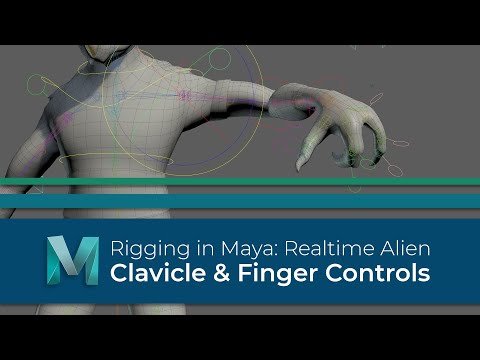
  • Clavicles & Fingers

    Clavicles & Fingers

    We now only have two more areas to rig before the main creature rig is built, and those are the clavicles and fingers.

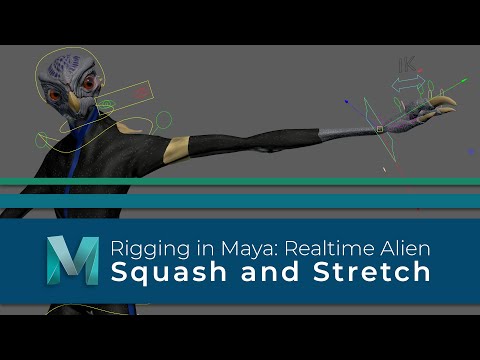
  • Squash & Stretch

    Squash & Stretch

    We are slowly getting closer to a complete rig, and in its current state we could pass this onto an animator, and they can begin to bring life to this creature.

    However, before we do, we are going to do is add in some extra functionality by making the characters limbs and torso more flexible, with some squash and stretch.

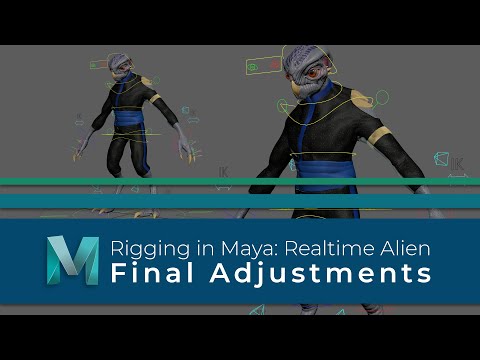
  • Final Adjustments

    Final Adjustments

    Ok, here we go, this may be the final video, but it could also be one of the most important with regards to making the rig animator friendly.

    We have all the main controls in and working now, but before we pass it on to be animated we have to make sure the rig is #scalable and also lock everything down so it can’t be broken.